PL/PDF Toolkit - Manipulate Existing PDF Documents from Oracle


Security

Encrypt / Decrypt

Merge & Pages

Merge, extract, number

Stamping

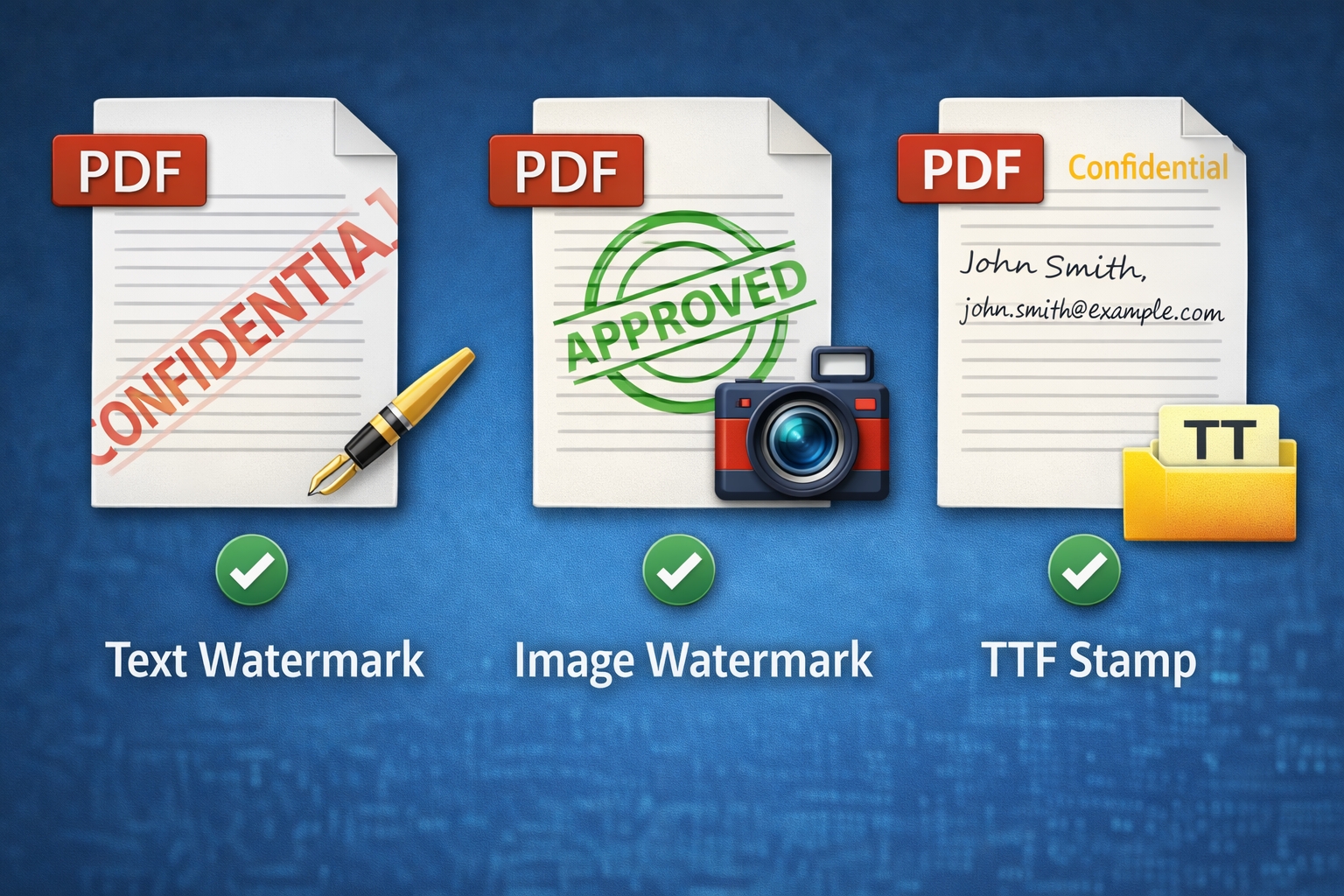
Text & Image watermark


PL/PDF Toolkit is a Java library with a PL/SQL interface for manipulating existing PDF documents in Oracle environments. It enables encryption and permissions, merge operations, stamping/watermarking (text, TTF and JPG), metadata management, form import/export (FDF/XFDF), page extraction, optimization, and PDF/A checks — all callable from PL/SQL.


PDF Encryption & Permissions

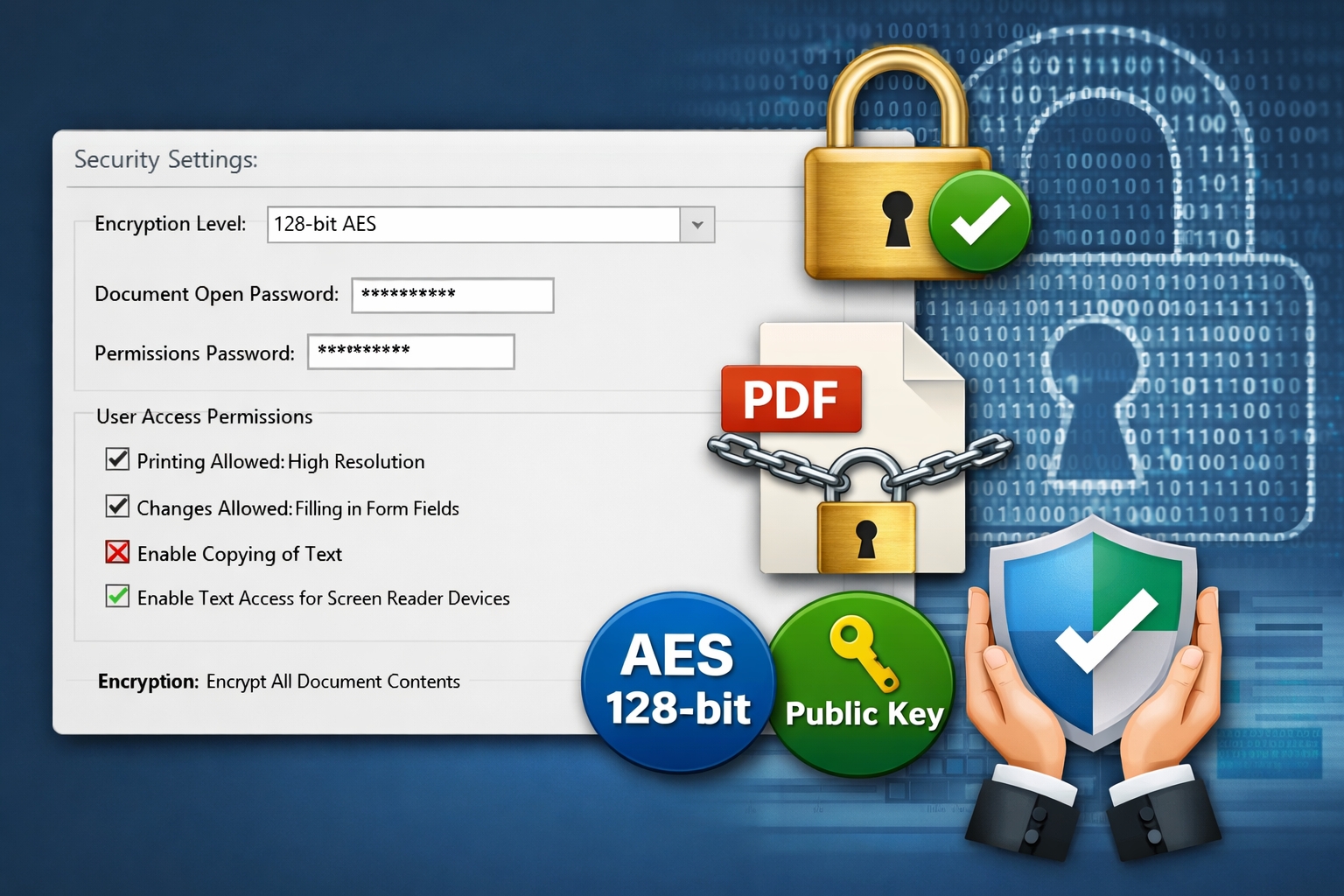
Encrypt PDFs with 40-bit RC4, 128-bit RC4, or 128-bit AES, including public-key encryption options. Control user permissions such as printing, content extraction, modification, form filling, and annotations. Decrypt encrypted documents when needed.
Merge, Page Numbering & Extraction

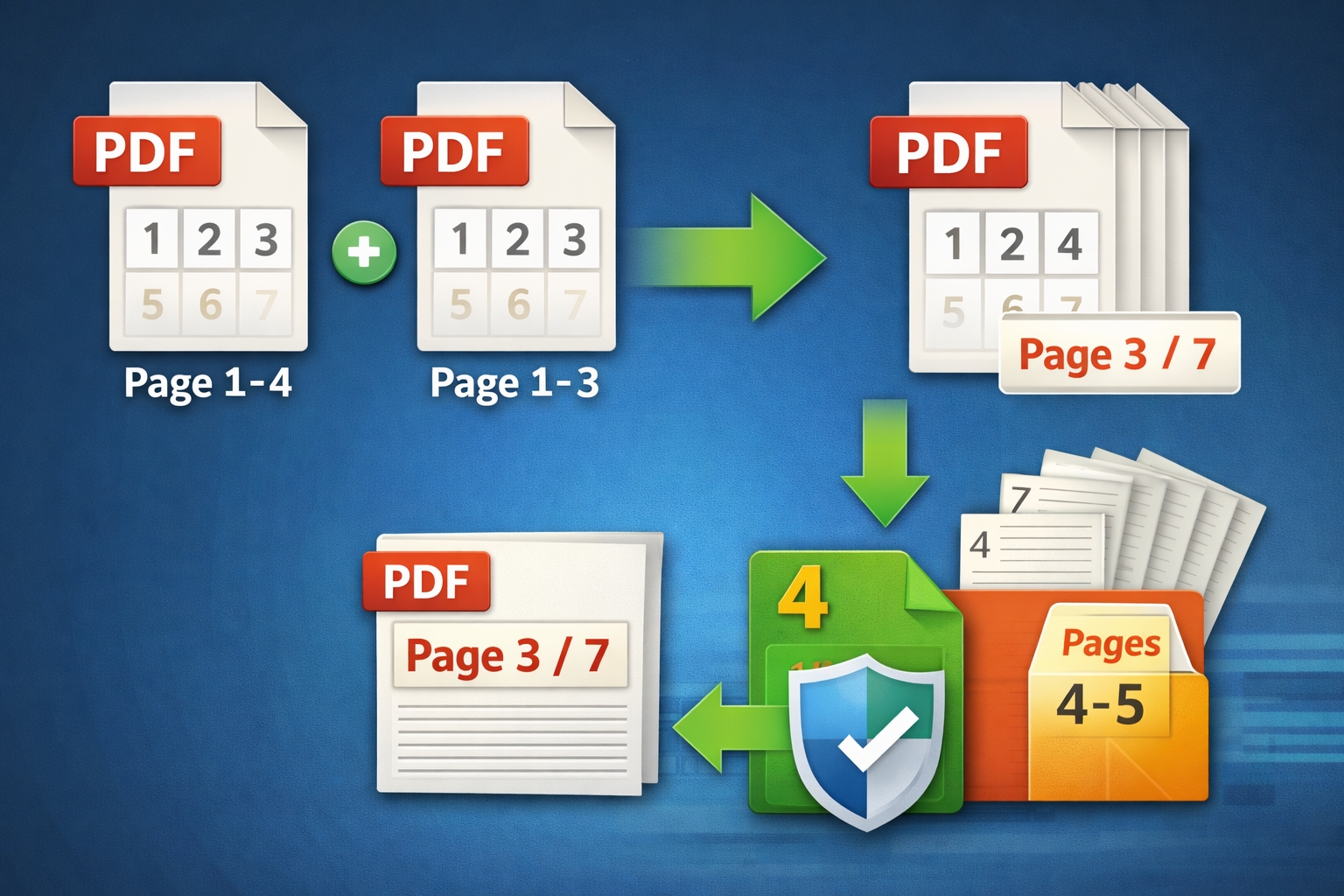
Merge two PDFs or multiple PDFs (from a list or from a database table), optionally adding page numbering with flexible placement and formatting. Extract page ranges into a new PDF and query page count.

Stamping & Watermarking

Apply text stamps and watermarks (Base 14 fonts or embedded TTF), plus JPG stamp/watermark support. Configure rotation, opacity, position, size, and optional page ranges.

Metadata Management

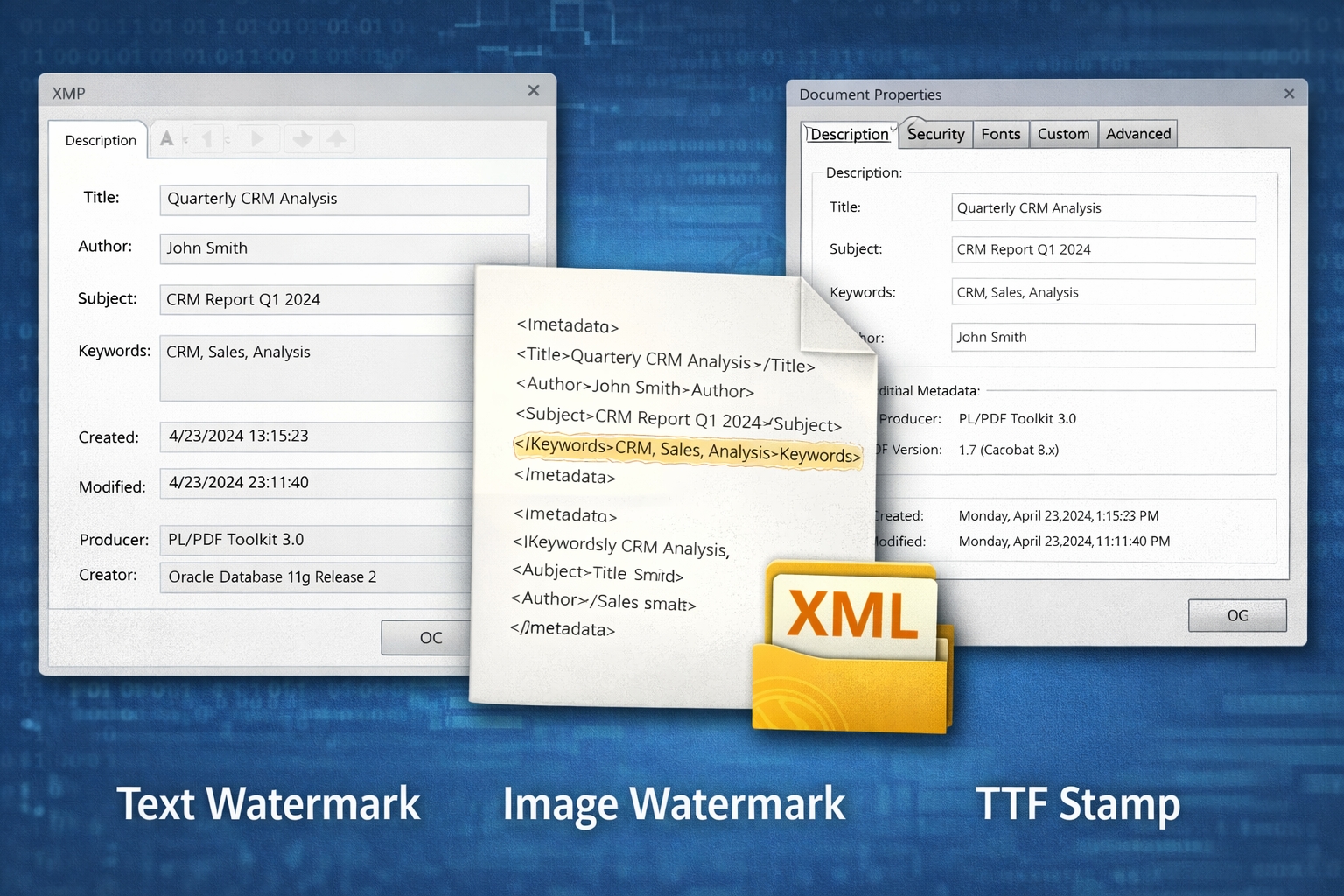
Read and write PDF metadata (Title, Author, Subject, Keywords, Creator, Producer, creation/modification dates). Import/export metadata via XML or map it into PL/SQL record structures.

PDF Forms (FDF / XFDF)

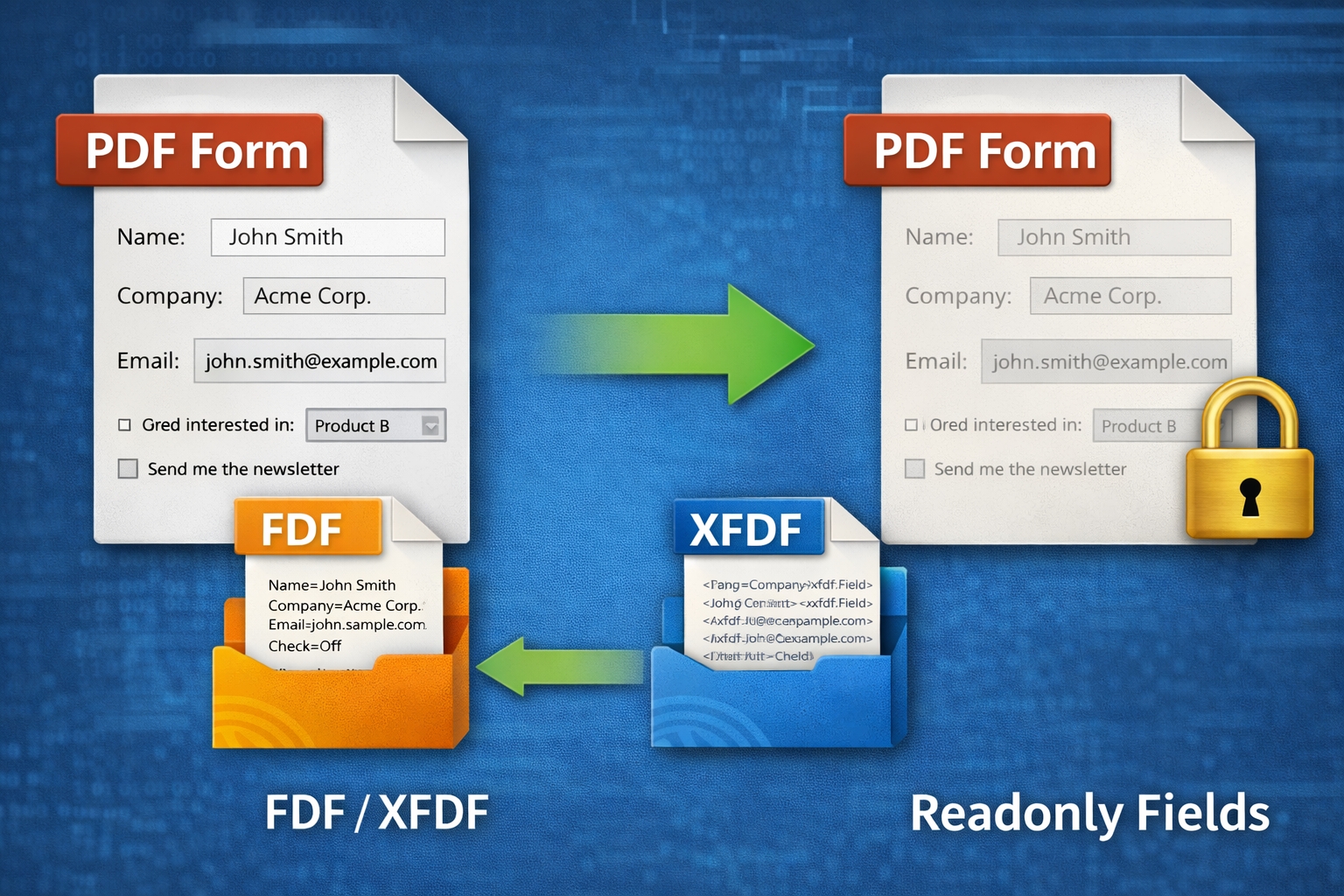
Export PDF form data to FDF/XFDF and import FDF/XFDF into existing forms. Set fields to read-only and control NeedAppearances for consistent rendering across PDF readers.

Extraction, Optimization & Compliance

Extract text from PDFs, rebuild documents, compress embedded JPG images, replace URLs, and check PDF/A compliance information. Includes utility conversion (mm/cm/in to points) and version info.


Typical Use Cases


PL/PDF Toolkit is typically used where organizations must automate document post-processing: secure distribution (encryption and permissions), adding branding (stamps/watermarks), merging annexes, filling and locking PDF forms, extracting text for indexing, compressing PDFs for archiving, and ensuring PDF/A compliance.